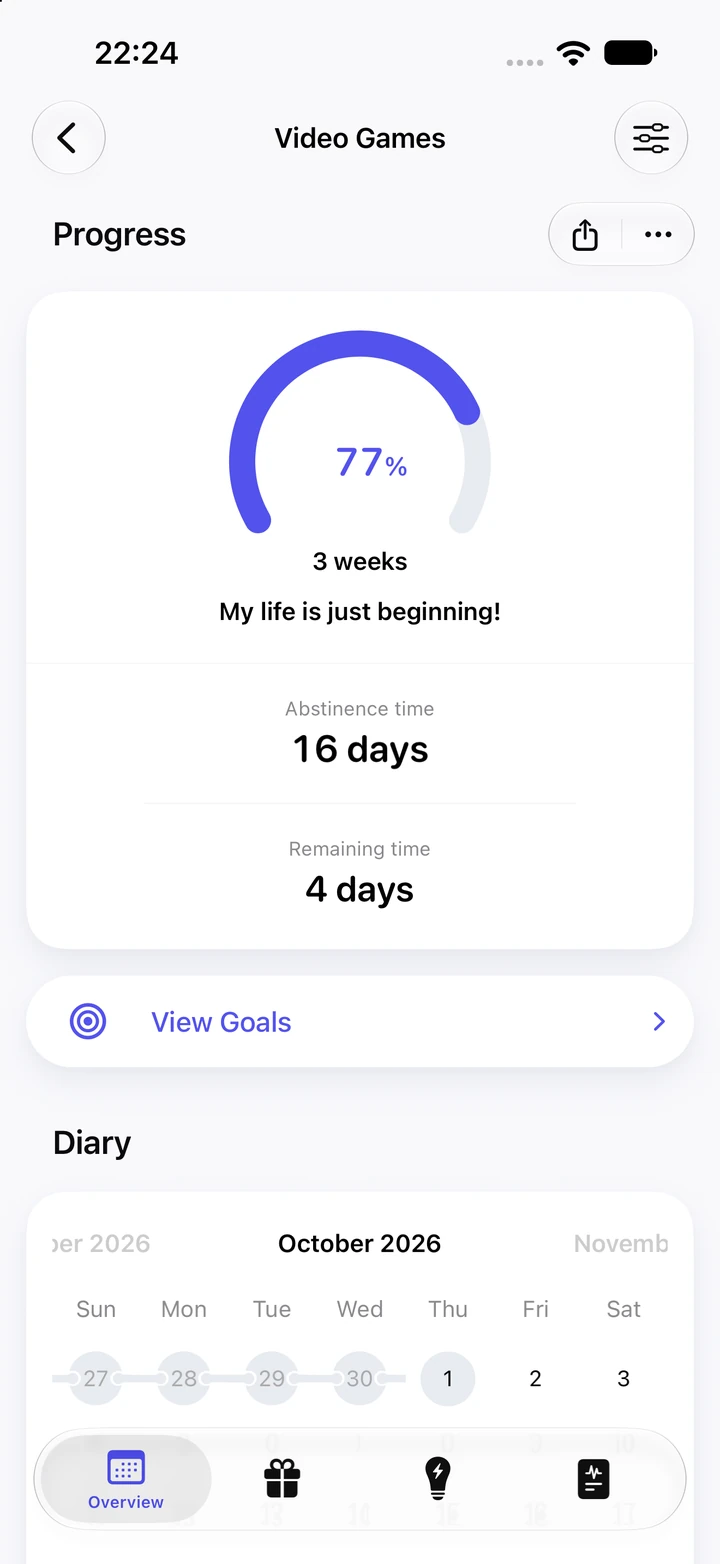
How does Quitzilla help me stop playing video games?
Quitzilla keeps count of your time away from games. Add the Video Games template, pick the reasons that sound like you, enter about how long you used to play, plus any money games cost you, and tell the app when your last session was. The counter then ticks to the second, your hours back keep adding up, and every goal you reach makes way for the next, with a small celebration at milestones. It isn't a treatment for gaming addiction: if gaming feels out of your control, talking to someone you trust, a doctor or a counselor can help.
Does Quitzilla track my playtime or block games?
No. Quitzilla doesn't read Screen Time or app usage, and it doesn't block or limit any game or app. The time comes from you: enter a rough figure per day, week or month, adding up your console, PC and phone if you play on more than one. Quitzilla multiplies that figure by the time since your last session. Video Games is a time habit by default, so its savings open on the Time side, where those hours collect. If games cost you money too, such as new releases or in-game purchases, you can enter that as well.
What if I want to cut back on gaming, not quit completely?
Quitzilla measures the time since your last slip and has no daily allowance, so you set the rule. Add a habit under your own name, like "No gaming on weeknights" or "Online matches", and log a relapse only when you break that rule. If you'd rather take a break of a set length, choose a goal such as 1 month and follow its progress ring until you get there.
What if I give in and play a match?
Tap Log Relapse on iPhone or Reset Timer on Android. The entry records when you played and, if you like, how long the session lasted and a note, and the counter starts again from that time. Nothing earlier is wiped: Statistics still shows your previous, average and longest gaming-free periods, and the calendar shows the day with the habit's icon. After a few entries, notes like "new season came out" or "the whole group was online" can show you a pattern worth planning for.
Is Quitzilla free?
Yes. Two habits are free on iPhone and Android, for example Video Games alongside YouTube, each with a counter, goals, statistics, reasons, a diary and a time balance of its own. Premium, if you want it, brings unlimited habits, home screen widgets, charts, goals you set yourself and a color you choose for every habit. Android users with Premium also stop seeing ads.