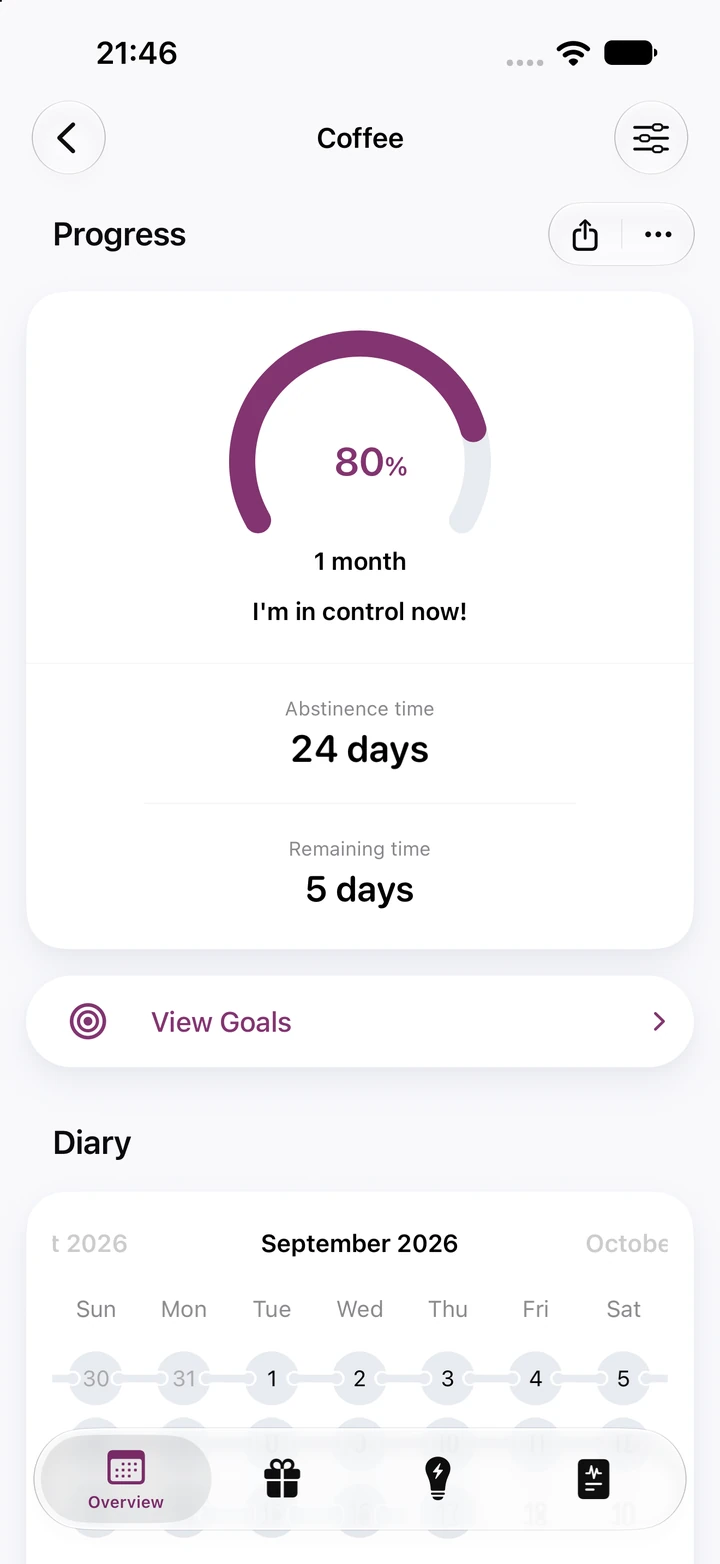
How does Quitzilla help me quit caffeine?
Quitzilla tracks the habit you're giving up. Add Coffee, choose your reasons, enter what caffeine cost you and when you had your last cup, and pick a first goal. From your last cup on, the timer runs to the second, your coffee money adds up, and a ring fills toward the next goal, with a celebration when you reach a milestone. It's a tracker, not medical advice: for questions about caffeine and your health, talk to a doctor.
Is there a Caffeine habit in Quitzilla?
Not under that name. The app's 30 habit templates include Coffee and Soda, and you can add a habit of your own, such as Energy drinks, or one simply called Caffeine that covers every source. Each habit gets its own timer, savings and goals. The free version tracks up to two habits, and Premium removes the limit.
What if I have a coffee after I quit?
It goes in the diary as a relapse, and the timer starts again from the time you enter. Earlier caffeine-free stretches stay in your statistics, longest one included. Jot down the moment, like a long drive or a deadline, and over time you'll see which situations bring the cravings back.
How does Quitzilla count the money I save on coffee?
Think of a normal week: the morning latte, the afternoon soda, the energy drink on long days. Enter that as a daily, weekly or monthly amount, and Quitzilla multiplies it by your caffeine-free time, so the total goes up the longer you stay off it. You can track time as well, such as the minutes spent in line at the coffee shop. Set up a reward with a price, and your savings fill it until it's yours.
Is Quitzilla free?
Yes. Quitzilla is free on iPhone and Android for up to two habits, enough to track Coffee and Soda side by side. The free version includes the timer, savings and rewards, built-in goals, your reasons and the diary. Premium adds unlimited habits, home screen widgets, charts and custom colors for each habit.